
Battlefield V

About this game
The Battlefield series goes back to its roots in a never-before-seen portrayal of World War 2. Take on physical, all-out multiplayer with your squad in modes like the vast Grand Operations and the cooperative Combined Arms, or witness human drama set against global combat in the single player War Stories. As you fight in epic, unexpected locations across the globe, enjoy the richest and most immersive Battlefield yet.
Developed by · Published by
System requirements
Minimum
- OS: 64-bit Windows 10
- Processor: AMD FX-8350/ Core i5 6600K
- Memory: 8 GB RAM
- Graphics: NVIDIA GeForce® GTX 1050 / NVIDIA GeForce® GTX 660 2GB or AMD Radeon™ RX 560 / HD 7850 2GB
- DirectX: Version 11
- Storage: 50 GB available space
Recommended
- OS: 64-bit Windows 10 or later
- Processor: AMD Ryzen 3 1300X/Intel Core i7 4790
- Memory: 12 GB RAM
- Graphics: NVIDIA GeForce® GTX 1060 6GB/AMD Radeon™ RX 580 8GB
- DirectX: Version 11
- Storage: 50 GB available space
You might also like
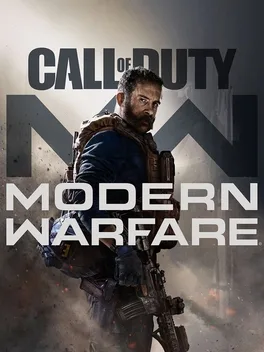
Call of Duty: Modern Warfare
Call of Duty: Modern Warfare
Common fixes for game issues
Haven't found a fix in the Bugs & solutions section above? These general steps often resolve crashes, freezes, and performance issues.
Update graphics drivers
Install the latest GPU drivers from NVIDIA, AMD, or Intel. Outdated drivers are a leading cause of crashes and visual glitches.
Verify game files
Use your launcher's "Verify integrity" option to repair missing or corrupted game files.
Run as administrator
Right-click the game executable and choose "Run as administrator" to fix permission-related launch or save issues.
Disable background apps
Turn off overlays and close heavy background apps to free RAM and reduce conflicts.