9 Kings - Known Bugs, Crashes & Community Fixes
About this game
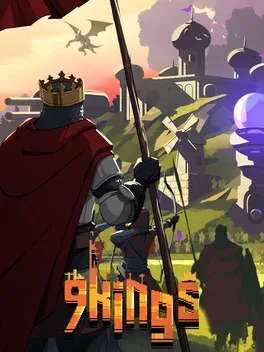
9 Kings is a fast-paced roguelike kingdom builder where you grow a humble village into a fortified citadel and lead massive battles against rival monarchs. Use a deck of buildings, units, and spells to shape your city into the most powerful of all kingdoms, leveraging endless combinations of cards, positioning, and stacking buffs to create wild, game-breaking synergies. Recruit sturdy knights, warlocks, fragile but devastating wizards, bombers, fiendish imps, sentient mushrooms, and countless mercenaries, gathering gold, raising the dead, and bending nature to your will. Each king begins with a unique deck, but you can loot attacking rulers for their exclusive cards, forge alliances with those who do not suit your strategy, and wage war on those whose powers you crave, surviving decades of escalating conflict until your empire outlasts all others.
Developed by · Published by ,
Advertisement
System requirements
Minimum
- OS: Windows® 10 (64-bit)
- Processor: Intel® Core™ i5-750 (quad-core) / AMD® Phenom™ II X4 965 (quad-core)
- Memory: 4 GB RAM
- Graphics: NVIDIA® GeForce® GT 630 (2 GB) / AMD® Radeon™ HD 6670 (2 GB)
- DirectX: Version 11
- Storage: 500 MB available space
Recommended
- OS: Windows® 10 (64-bit)
- Processor: Intel® Core™ i5-3570 (quad-core) / AMD® FX-Series™ FX-8300 (quad-core)
- Memory: 8 GB RAM
- Graphics: NVIDIA® GeForce® GTX 650 (2 GB) / AMD® Radeon™ HD 7750 (2 GB)
- DirectX: Version 12
- Storage: 500 MB available space