
PC Gaming Guides
Detailed, step-by-step fixes for the most common PC gaming problems - from updating drivers to game-specific crash troubleshooting.
General PC Guides— apply to any game
How to Disable Overlays That Cause Crashes (Steam, Discord, NVIDIA, AMD, Xbox Game Bar)
Overlays from Steam, Discord, GPU software, and Xbox Game Bar inject into the same graphics process as your game. Turn them off, then close heavy background apps, to fix crashes, stuttering, and hangs.
Read guide →
How to Run a Game as Administrator on Windows
Permission errors can block saves, config writes, and launch. Run the game executable as administrator once, or set it permanently in Compatibility settings, then test.
Read guide →
How to Clear or Disable the NVIDIA Shader Cache
A stale or corrupted NVIDIA shader cache can cause stuttering, hitching, and graphical glitches in games. Learn how to disable or delete it through NVIDIA Control Panel and manually.
Read guide →
How to Force a Game to Use Your Dedicated GPU on Windows
If your game is running on the wrong graphics card, here is how to force it to use your dedicated NVIDIA or AMD GPU instead of the integrated one.
Read guide →
DLSS, FSR, and XeSS Explained: Which Upscaling Should You Use?
DLSS, FSR, and XeSS all render games at a lower resolution and reconstruct a sharper image, giving you more FPS for free. This guide explains how each technology works, what hardware supports it, and which one to pick.
Read guide →
How to Update DirectX and Visual C++ Redistributables (.dll Error Fix)
Launch errors naming VCRUNTIME140.dll, MSVCP140.dll, or d3dx9_43.dll usually mean missing Microsoft runtimes. Install or repair Visual C++ Redistributables and DirectX components on Windows.
Read guide →
How to Enable Game Mode in Windows 11 and 10 (And Is It Worth It?)
Windows Game Mode can reduce background interruptions while you play. Learn how to turn it on in Windows 10 and 11, what it actually does, and when it is worth using.
Read guide →
How to Force DirectX 11 (DX11) for a Game on PC
Some games are unstable on DirectX 12 or Vulkan. Running them in DX11 mode is a proven workaround for crashes, black screens, and GPU driver errors.
Read guide →
How to Update Your GPU Drivers for Gaming
Step-by-step instructions for updating NVIDIA, AMD, and Intel graphics drivers on Windows - the single most effective fix for crashes, graphical glitches, and poor performance.
Read guide →
How to Add a Game to Antivirus Exclusions on Windows
Antivirus software can quarantine or block game files, causing crashes and launch failures. Here's how to add a game folder to exclusions in Windows Defender and popular third-party antivirus tools.
Read guide →
How to Verify Game File Integrity (Steam, Epic, GOG, Xbox)
Corrupted or missing game files cause crashes and launch failures. Learn how to scan and repair them on every major PC launcher in under two minutes.
Read guide →Game-Specific Guides
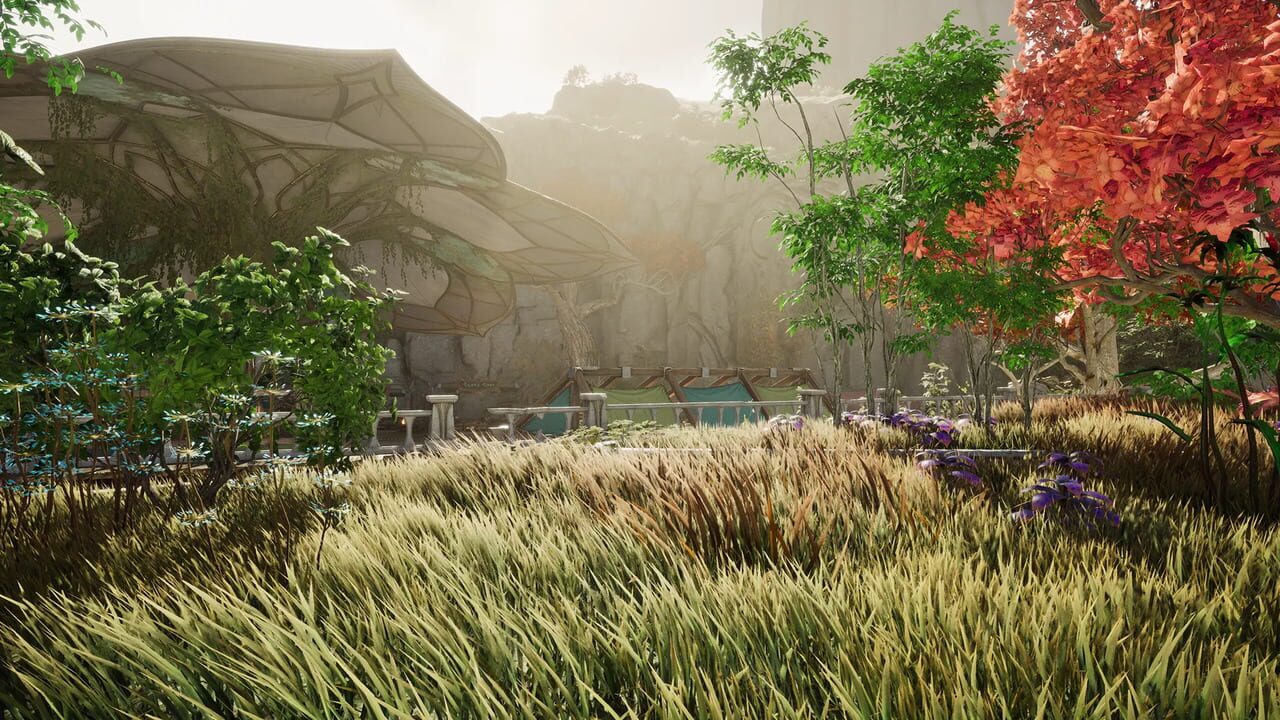
How to Improve FPS Performance in AION 2
AION 2 performance drops in cities, while flying, and in Abyss fights, often as stutter rather than a low average FPS. Hold a stable frame rate with a firm cap, lighter crowd settings, and fixes for shaders, streaming, and overlays.
Read guide →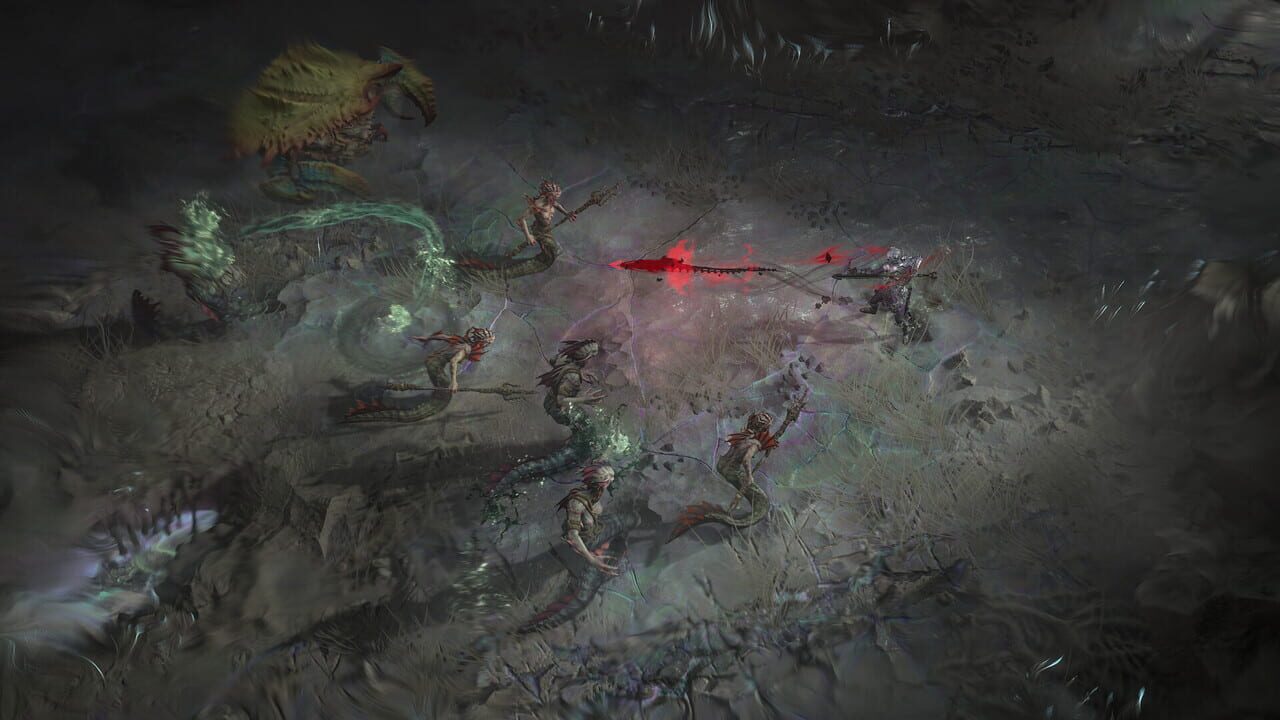
Diablo IV Lord of Hatred: Post-Campaign Gear and Power Guide
Finish the Lord of Hatred campaign and immediately raise your power: Penitent difficulty, 850 Item Power gear, War Plans, Torment 1 via The Pit, crafting, and Paragon.
Read guide →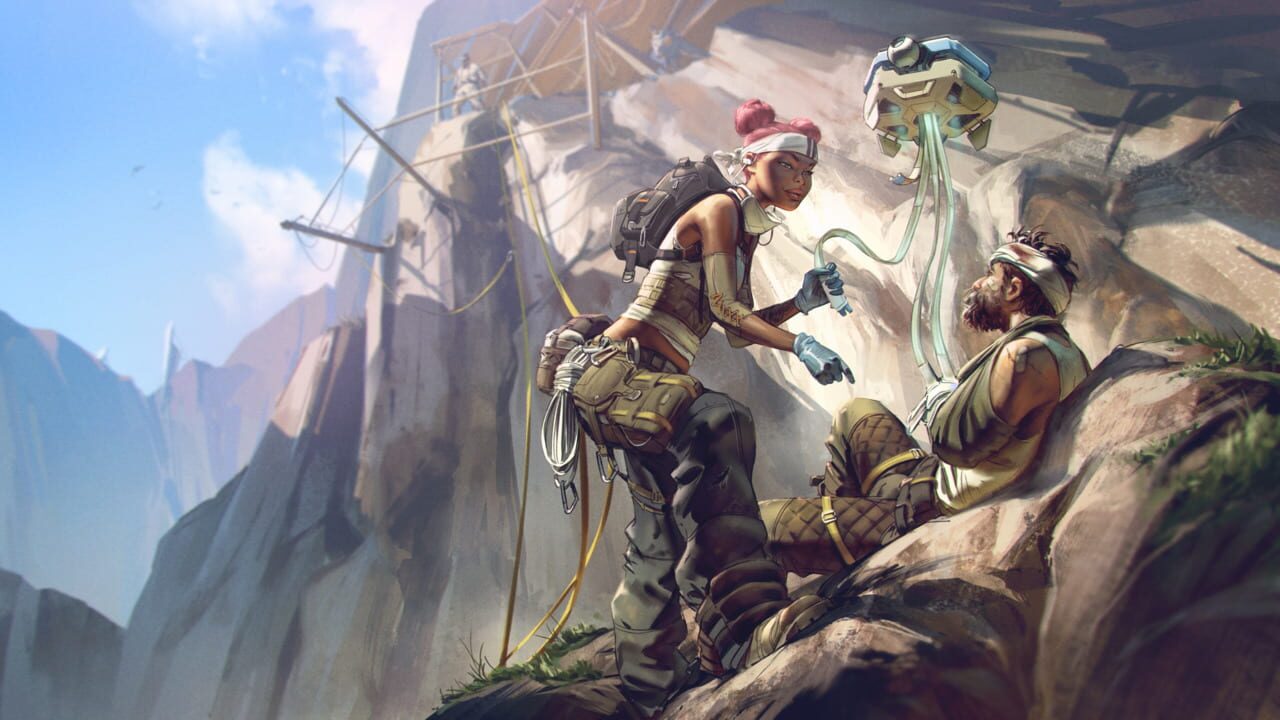
How to Fix Stuttering and Visual Glitching in Apex Legends: Marked (Season 30)
Season 30 Marked can bring hitching, FPS spikes, and visual glitches on PC. Work through file verification, GPU drivers, shader cache, overlays, and Apex-specific graphics tweaks to stabilise matches.
Read guide →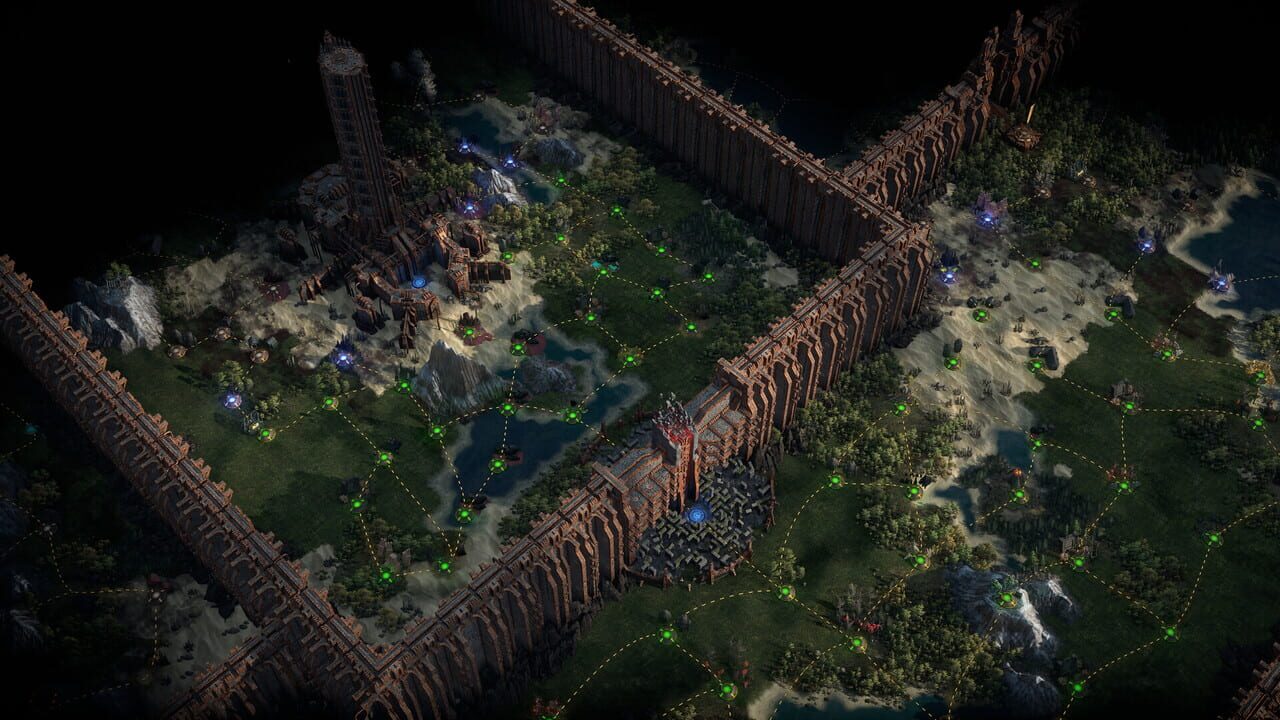
Path of Exile 2 0.5.0 Crafting Changes: Runes of Aldur League
A full breakdown of every crafting change in Path of Exile 2 patch 0.5.0: the Recombinator removal, Verisium Runeforging, the Genesis Tree, essence availability, and the Divine Orb drop rework.
Read guide →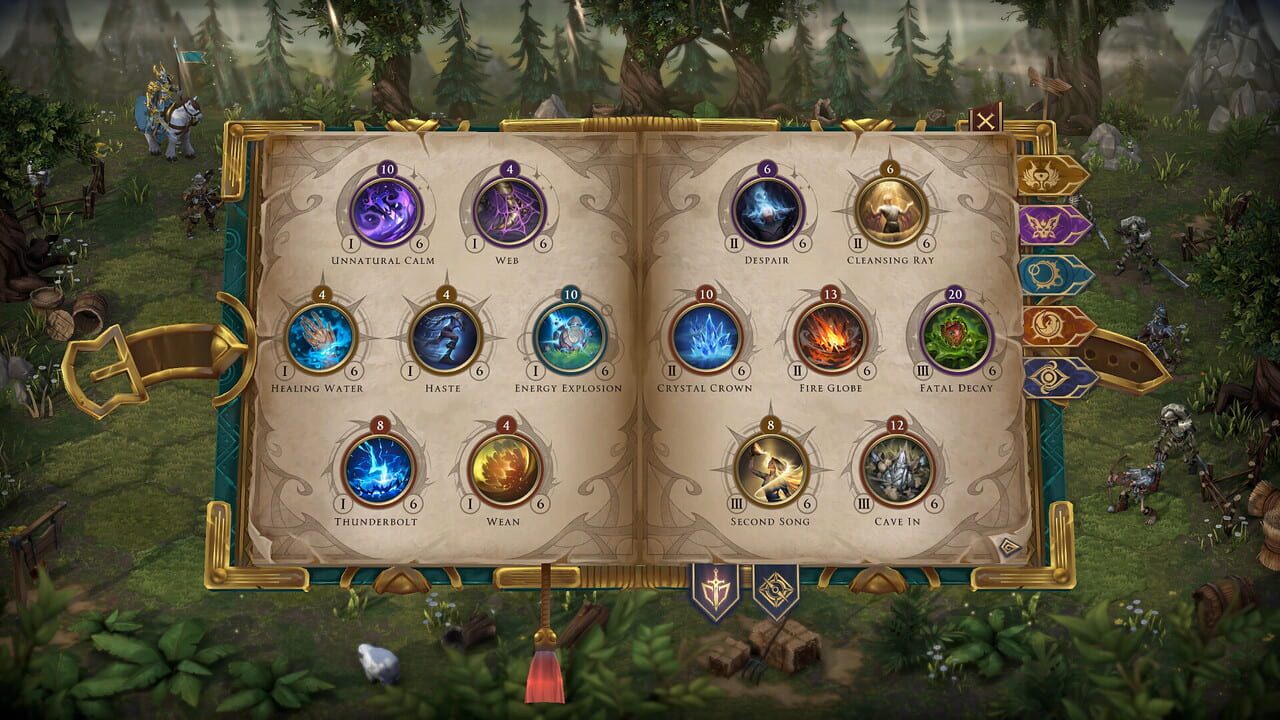
How to Obtain Dimension Door and Town Portal in HoMM Olden Era
Dimension Door and Town Portal are core control spells in Heroes of Might and Magic: Olden Era. This guide covers the fastest routes to both, from Mage Guild build order to Astrology Point investment, so you can secure tempo early.
Read guide →
How to Fix Crashes and Visual Bugs in Pragmata
Pragmata crashes on launch, drops to desktop mid-session, or shows visual glitches? This guide covers the most common causes, from DirectX 12 driver issues to corrupted game files, and how to resolve them.
Read guide →
REPLACED crashing or not launching? Here are 5 solutions that should help
REPLACED is a demanding 2.5D action-platformer game. If it crashes to desktop, freezes, or refuses to launch, work through these fixes in order, from drivers and file repair to graphics tweaks and runtime libraries.
Read guide →
How to Fix Crashes and Stuttering in Arena Breakout: Infinite
Arena Breakout: Infinite crashes and stuttering can cost you your entire raid loadout. This guide walks through every common cause, from outdated GPU drivers to overheating, and how to fix each one.
Read guide →