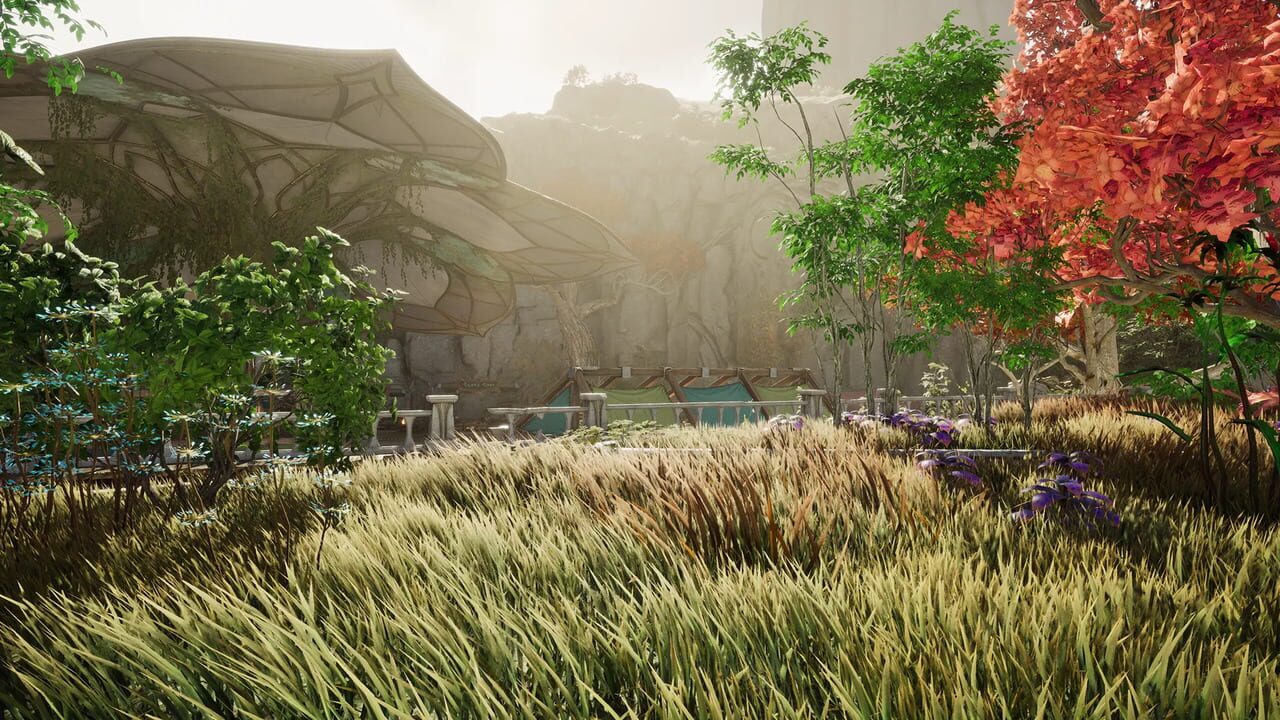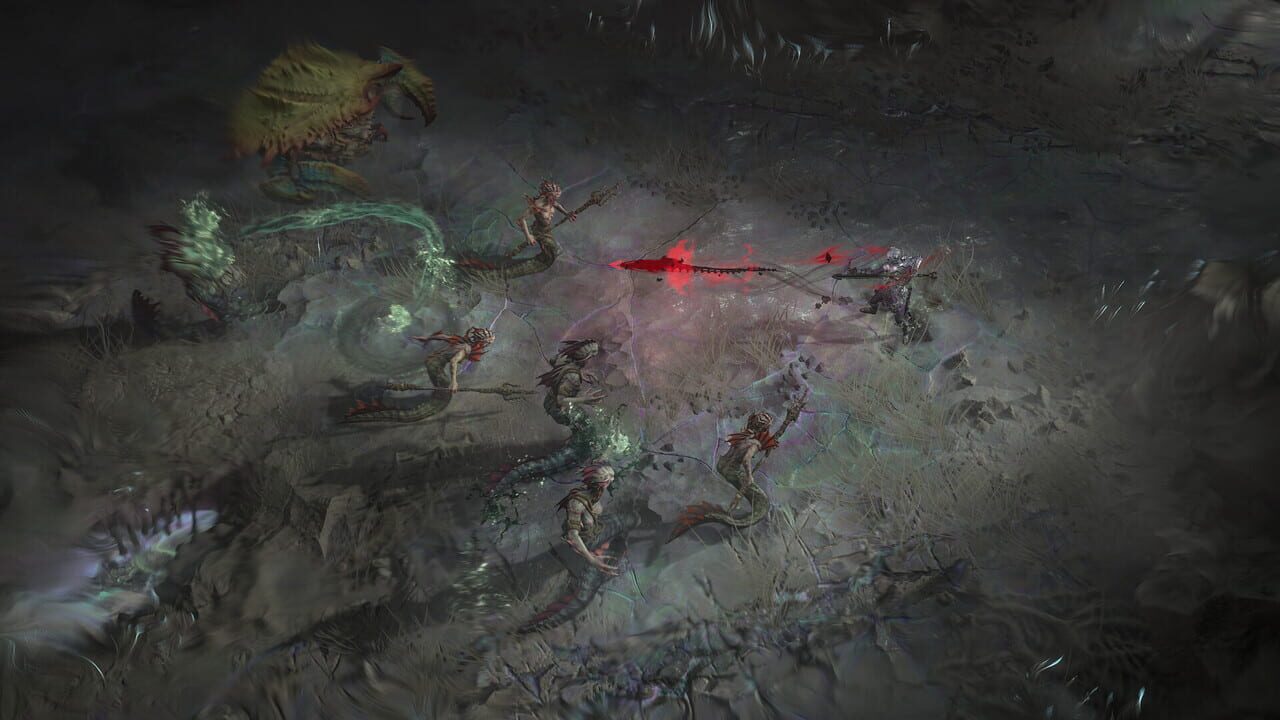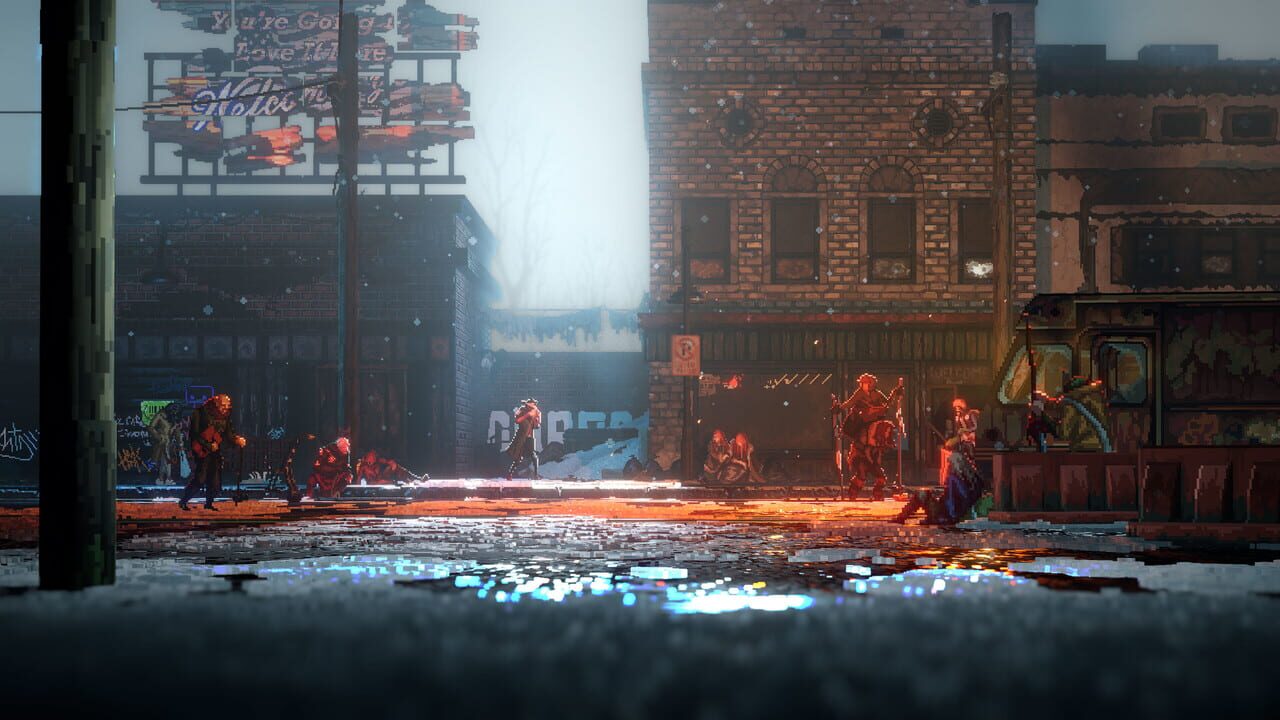
REPLACED is a 2.5D action-platformer game that blends retro-futuristic pixel art with fast combat and dense, hand-crafted environments. That mix of real-time lighting, effects, and animation can stress both CPU and GPU, especially on PCs near the minimum specs on the REPLACED page (16 GB RAM, GeForce GTX 1060 6 GB class hardware). Crashes during combat, hard locks on loading, or a launch that exits immediately often come down to drivers, corrupted files, or software conflicts rather than the game itself. This guide walks through the fixes that resolve those issues most often.
Update your GPU drivers
Modern PC action games rely heavily on the graphics API your driver implements. An outdated or buggy GPU driver is one of the most common reasons for crashes, black screens, or the process closing with no error message. Install the latest driver package for your card from NVIDIA, AMD, or Intel.
→ How to update your GPU drivers (NVIDIA, AMD, Intel)
Disable overlays and heavy background apps
Multiple in-game overlays hooking into the same graphics process are a frequent source of crashes and freezes. Turn off the Steam overlay, Discord overlay, GPU vendor overlays, and Xbox Game Bar for testing. Use Task Manager (Ctrl + Shift + Esc) to end unnecessary background tasks before you launch.
Verify game file integrity
Incomplete downloads and patch glitches leave corrupted assets on disk. That shows up as crashes when a specific level loads, missing textures, or failure to start at all. Use your store launcher’s verify or repair option before you reinstall the full game.
→ How to verify game file integrity on Steam, Epic, GOG and Xbox
Add the game to antivirus exclusions
Real-time scanning can interfere with executables and data the game streams from disk, which causes stutter or sudden exits. Aggressive suites sometimes quarantine legitimate game files after an update. Add the game’s install folder and launcher to your antivirus exclusion list, then run a file verification so anything mistakenly removed is restored.
→ How to add a game to antivirus exclusions (Windows Defender, Malwarebytes, Avast, Bitdefender)
Reinstall Visual C++ Redistributables and ensure DirectX is current
A missing or damaged Visual C++ runtime or DirectX component often produces launch failures or vague .dll errors. Install the latest Visual C++ Redistributable (x64) from Microsoft’s official download page, ensure Windows is fully updated, then restart and try REPLACED again.
Still crashing or not launching?
If none of the steps above help, the problem may be a bug in a specific game build or something unique to your hardware. Check the official REPLACED website and its community discussion channels for patch notes and reports that match your symptoms.
You can also visit the REPLACED page on BugFreeGG for community-submitted fixes or to report what worked for you.