
Factorio - Known Bugs, Crashes & Community Fixes
About this game
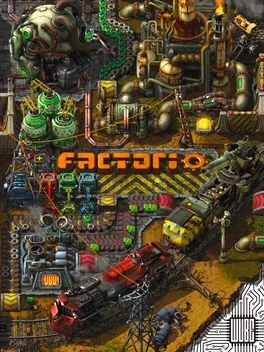
Factorio is a construction and management game about building and maintaining automated factories. You gather resources, research new technologies, and lay out infrastructure so machines can mine, move, and process materials for you. Early on you harvest by hand and assemble simple devices, but over time you grow into a vast industrial complex with large power systems, oil processing, and fleets of construction and logistic robots. Your activity pollutes the environment and angers hostile creatures, so you must fortify and defend your growing machine empire. You can tackle the main freeplay experience solo or in cooperative multiplayer, experiment with additional scenarios, extend the game with mods, or build your own custom maps and scripted challenges using the in-game editor.
Developed by · Published by
Advertisement
System requirements
Minimum
- OS: Windows 11, 10
- Processor: Quad core 3Ghz+
- Memory: 8 GB RAM
- Graphics: DirectX 11 capable GPU with 1GB VRAM - GeForce GTX 750 Ti, Radeon R7 360 or Intel UHD Graphics 730
- DirectX: Version 11
- Storage: 5 GB available space
Recommended
- OS: Windows 11, 10
- Processor: Quad core 4Ghz+ from 2020 or newer
- Memory: 16 GB RAM
- Graphics: DirectX 11 capable GPU with 4 GB VRAM - GeForce GTX 1050 Ti, Radeon RX 570, Intel Arc
- DirectX: Version 11
- Storage: 10 GB available space