
Graveyard Keeper II - Known Bugs, Crashes & Community Fixes
22 September 2026
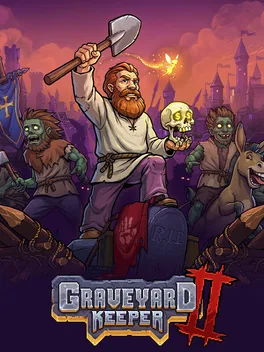
About this game
Graveyard Keeper II is a darkly comedic medieval management game where you restore the Town, run a cemetery, and turn human remains, flora, and fauna into machinery and automated production. As the Grand Inquisitor, you must defend the realm from a zombie apocalypse by building towers and fortifications, crafting weapons and armor, and training an undead army for battle. Assign zombie workers to handle labor, complete quests for townspeople, rebuild their homes, and convert the Town’s troubles into profit. Grotesque characters, twisted storytelling, and irreverent humor shape this unhinged sequel.
Developed by · Published by
Try confirming the furnace construction from a different side or after repositioning the character around the blueprint.
Search for Herbert west of the crossing, at the end of the path just outside the town wall, rather than returning to his original position.
Advertisement
System requirements
Minimum
- OS: Windows 10 x64
- Processor: Intel Core i3-4160 / AMD FX-8320
- Memory: 4 GB RAM
- Graphics: GeForce GT 640 / Radeon HD 7750 / Iris Pro Graphics 580
- DirectX: Version 12
- Storage: 2 GB available space
Recommended
- OS: Windows 10 x64
- Processor: Intel Core i5-4670K / AMD FX-8350
- Memory: 8 GB RAM
- Graphics: GeForce GTX 660 (2048 MB) / Radeon HD 7850 (2048 MB)
- DirectX: Version 12
- Storage: 2 GB available space