
No Man's Sky - Known Bugs, Crashes & Community Fixes
About this game
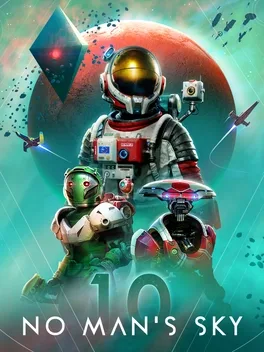
No Man’s Sky is an action adventure survival game set in an infinite, procedurally generated galaxy filled with unique planets, ecosystems and lifeforms, constant danger and high paced action. Every star you see is a distant sun with its own planets that you can visit, flying seamlessly from deep space to a world’s surface with no loading screens or defined limits. You can focus on exploration, combat, trading or survival, upgrading your starship, multitool and suit as you chart a personal path toward the centre of the universe or ignore that call and simply roam. Discoveries of planets, creatures and locations can be shared in a vast, persistent universe you occupy alongside other players, whether you choose to travel alone or with friends.
Developed by · Published by , ,

Advertisement
System requirements
Minimum
- OS: Windows 10/11 (64-bit versions)
- Processor: Intel Core i3
- Memory: 8 GB RAM
- Graphics: Nvidia GTX 1060 3GB, AMD RX 470 4GB, Intel UHD graphics 630
- Storage: 15 GB available space
Recommended
- Requires a 64-bit processor and operating system