
Throne and Liberty - Known Bugs, Crashes & Community Fixes
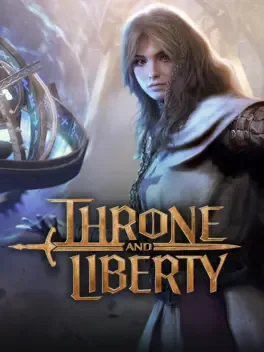
About this game
Throne and Liberty is a free-to-play, guild-focused MMORPG set in the seamless open world of Solisium, where massive-scale PvE and PvP coexist. Explore towering cliffs, cavernous dungeons, and ever-changing battlefields shaped by dynamic weather and day/night cycles as you pursue Kazar and the throne. Tackle raids, tiered 6-player and solo dungeons, Dimensional Trials, open-world bosses, and 3v3 arenas, or unwind with gathering, fishing, cooking, housing, and crafting. Customize your playstyle through flexible weapon-based builds, interchangeable abilities, and tactical morphs and transformations, including turning into powerful creatures or fallen bosses. Whether you play solo or lead a guild in conquest battles, raid bosses, and castle sieges, you choose how to carve your legacy in Solisium.
Developed by , · Published by ,
Advertisement
System requirements
Minimum
- OS: Windows 10(64-bit)
- Processor: Intel Core i5-6500
- Memory: 8 GB RAM
- Graphics: NVIDIA Geforce GTX960
- DirectX: Version 12
- Storage: 63 GB available space
Recommended
- OS: Windows 10(64-bit)
- Processor: Intel Core i5-11600k
- Memory: 16 GB RAM
- Graphics: NVIDIA Geforce GTX1660
- DirectX: Version 12
- Storage: 63 GB available space