
VRChat - Known Bugs, Crashes & Community Fixes
About this game
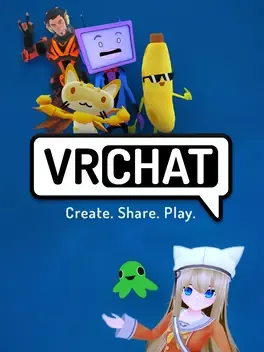
VRChat is a social platform built around user generated content, where you explore a massive library of user created worlds and embody millions of unique avatars. Drop into anything from casual hangouts and haunted mansions to planetariums, music venues, racing tracks, or full game worlds spanning shooters, party games, puzzles, horror, and more. Join Groups to stay connected with communities that share your interests. Everything is created with the VRChat SDK, Unity, and the Udon scripting system, giving creators extensive control over worlds and interactive experiences. Avatars are just as customizable, letting you explore identity in almost any form you can imagine. Play in desktop mode or amplify immersion with VR headsets supporting full body and finger tracking.
Developed by · Published by
Advertisement
System requirements
Minimum
- OS: Windows 10/11
- Processor: Intel® i5-4590 / AMD FX 8350 equivalent or greater
- Memory: 4 GB RAM
- Graphics: NVIDIA GeForce® GTX 970 / AMD Radeon™ R9 290 equivalent or greater
- DirectX: Version 11
- Storage: 1 GB available space
Recommended
- Requires a 64-bit processor and operating system