Arma 3 - Known Bugs, Crashes & Community Fixes
About this game
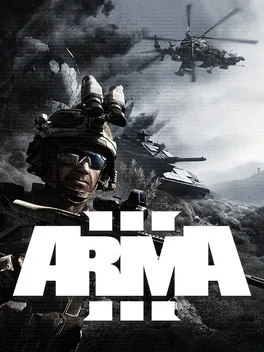
Arma 3 is a large scale military simulation sandbox on PC that focuses on realistic combined arms warfare across massive open world battlefields. Featuring both sci fi and contemporary scenarios, it includes extensive singleplayer and cooperative campaigns, standalone missions, challenges, and official multiplayer modes, with ballistics, vehicles, and infantry combat modeled for authenticity. Players can fight on foot, drive armored vehicles, operate autonomous systems, or pilot helicopters and jets across varied terrains, and can fully customize loadouts with a broad arsenal of weapons, attachments, and gear. A powerful 3D Eden editor lets creators build and share custom scenarios, campaigns, and game modes, while extensive official DLC and Creator DLC further expand maps, assets, and theaters of war; the Apex and Contact expansions are now included, and the Arma 3 Platinum Edition bundles the base game with every official expansion and DLC.
Developed by · Published by


Advertisement
System requirements
Minimum
- OS: Windows 10 (64-bit)
- Processor: Intel Core quad-core or AMD Athlon quad-core
- Memory: 8 GB RAM
- Graphics: NVIDIA GeForce GTX 660 or AMD Radeon HD 7850 or Intel HD Graphics 4000, with 1 GB video memory
- Storage: 50 GB available space
Recommended
- OS: Windows 10 / 11 (64-bit)
- Processor: Intel Core i7-7700K or AMD Ryzen 3 3300X or better
- Memory: 16 GB RAM
- Graphics: NVIDIA GeForce GTX 1060 or AMD Radeon RX 580, with 6 GB VRAM, or better
- Storage: 80 GB available space (SSD)