
Deep Rock Galactic - Known Bugs, Crashes & Community Fixes
13 May 2020
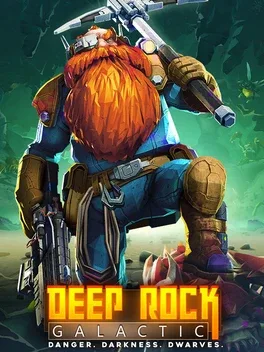
About this game
Deep Rock Galactic is a first-person co-op shooter for 1 to 4 players about dwarf space miners venturing into the caves of Hoxxes IV. Squad up to dig through fully destructible, procedurally generated cave systems, gather minerals, and survive waves of hostile alien creatures. Choose from four distinct classes, Scout, Gunner, Engineer, and Driller, each with its own tools and combat role, and combine their abilities to navigate, defend, and carve paths through the underground. The game features endless mission variety, dark caverns that must be lit as you explore, and a wide arsenal of advanced weapons and gadgets.
Developed by · Published by
- Try switching the DirectX version in the in‑game graphics settings (toggle the DX12 box and restart).
- If that doesn't help, revert your GPU drivers to an older version.

Related guideHow to Update Your GPU Drivers for Gaming
Advertisement
System requirements
Minimum
- OS *: Windows 7 64 Bit
- Processor: Intel i5, 3rd gen (or equivalent)
- Memory: 6 GB RAM
- Graphics: NVIDIA GeForce GTX 660 or AMD Radeon HD 7870
- DirectX: Version 11
- Storage: 3 GB available space
Recommended
- OS: Windows 10 64 Bit
- Processor: Intel i5, 7th gen (or equivalent)
- Memory: 8 GB RAM
- Graphics: NVIDIA 970 / AMD Radeon 290
- DirectX: Version 11
- Storage: 3 GB available space