
Echoes of Aincrad - Known Bugs, Crashes & Community Fixes
About this game
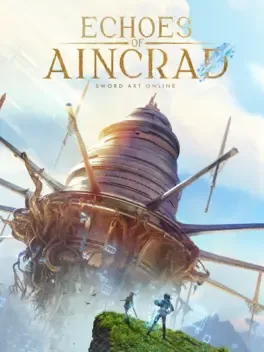
Echoes of Aincrad is a single player action JRPG set in the legendary floating castle of Aincrad, a beautiful yet deadly world where every battle could be your last and survival is everything. You design and customize your own avatar, tailoring appearance, equipment, weapons, statistics, combat style, and special skills to match your preferred focus on speed, intelligence, strength, or endurance. Journey across diverse cities, serene plains, and perilous dungeons, completing quests, hunting rare treasures, and facing formidable foes in real time action combat. Fight alongside a customizable AI partner, deepen your synergy, and adapt both your tactics and theirs to unlock powerful abilities and turn dangerous encounters into triumphs. As you level up, the map and your horizons expand, revealing new areas, secrets, and threats while you shape your fate, forge your legend, and risk your reality in a battle for survival.
Developed by · Published by






Advertisement
System requirements
Minimum
- OS: Windows 11
- Processor: Intel Core i7-9700K / AMD Ryzen 3 3300X
- Memory: 8 GB RAM
- Graphics: Nvidia GeForce RTX 2060 [6GB] / AMD Radeon RX 5700 [8GB] / Intel Arc B580 [12GB]
- DirectX: Version 12
- Storage: 30 GB available space
Recommended
- OS: Windows 11
- Processor: Intel Core i7-10700K / AMD Ryzen 5 5600G
- Memory: 8 GB RAM
- Graphics: Nvidia GeForce RTX 2070 [8GB] / AMD Radeon RX 6700XT [12GB]
- DirectX: Version 12
- Storage: 30 GB available space