
Everwind - Known Bugs, Crashes & Community Fixes
17 March 2026
About this game
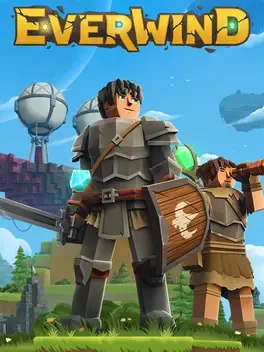
Everwind blends RPG and sandbox survival into a first‑person sky‑bound adventure where you and friends can construct a floating island‑ship, mine resources, craft gear, and battle foes with swords, shields, and magic. The game features dungeons filled with enemies guarding treasure, a range of mystical staffs and alchemical support, and a fully destructible world you can reshape. Your ship doubles as a fortress and home, serving as a launchpad for exploration across endless horizons where sky meets sea. Players can personalize their avatars with adjustable facial features, hairstyles, and skin tones, and the title supports cooperative multiplayer for shared discovery and combat.
Developed by · Published by
Verify the integrity of the game files using the launcher.

Related guideHow to Verify Game File Integrity (Steam, Epic, GOG, Xbox)
Update your GPU drivers to the latest version.

Related guideHow to Update Your GPU Drivers for Gaming
Force the game to start with -dx11 launch option in your game launcher.

Related guideHow to Force DirectX 11 (DX11) for a Game on PC
Advertisement
System requirements
Minimum
- OS: 64-bit Windows 10/11
- Processor: Intel Core i5-8400
- Memory: 12 GB RAM
- Graphics: Intel Arc A580 | Nvidia GTX 1060 (min. 6GB VRAM)
- DirectX: Version 12
- Storage: 5 GB available space
Recommended
- OS: 64-bit Windows 10/11
- Processor: Intel Core i7-8700K
- Memory: 16 GB RAM
- Graphics: Intel Arc B570 | Nvidia RTX 2060 Super (min. 8GB VRAM)
- DirectX: Version 12
- Storage: 5 GB available space