
Mount & Blade II: Bannerlord - Known Bugs, Crashes & Community Fixes
About this game
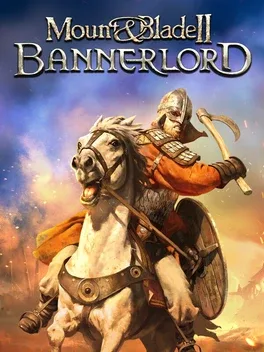
Mount & Blade II: Bannerlord is a medieval strategy and action RPG set 200 years before Mount & Blade: Warband, expanding both its richly detailed combat system and the war-torn continent of Calradia. In this vast sandbox you create and grow a unique character, then explore, raid, trade, craft weapons and wage war as you try to elevate your clan into the ranks of the nobility. Lead armies, manage fiefs, engage in politics or build a hidden criminal network in city backstreets. Battles unfold in real time, letting you command and personally fight alongside your troops in first or third person using a deep, skill-based directional combat system. You can test your martial skills in multiplayer PvP with ranked and casual modes, host your own servers, and reshape the experience through extensive modding tools and Steam Workshop support.
Developed by · Published by ,



Advertisement
System requirements
Minimum
- OS *: Windows 7 (64-bit only)
- Processor: Intel® Core™ i3-8100 / AMD Ryzen™ 3 1200 / Snapdragon X Elite
- Memory: 6 GB RAM
- Graphics: Intel® UHD Graphics 630 / NVIDIA® GeForce® GTX 660 2GB / AMD Radeon™ HD 7850 2GB
- Storage: 60 GB available space
Recommended
- OS: Windows 10 (64-bit only)
- Processor: Intel® Core™ i5-9600K / AMD Ryzen™ 5 3600X
- Memory: 8 GB RAM
- Graphics: NVIDIA® GeForce® GTX 1060 3GB / AMD Radeon™ RX 580
- Storage: 60 GB available space