
Subnautica 2 - Known Bugs, Crashes & Community Fixes
About this game
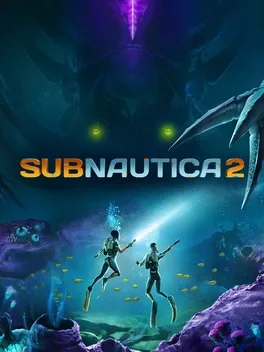
Subnautica 2 is an underwater survival adventure set on a brand‑new alien planet, the next chapter in the Subnautica universe from Unknown Worlds. After a conflict forces humanity to leave Earth, the colony ship CICADA carries you and other pioneers to a new home, but the ship’s AI insists the mission must continue, leaving you stranded and fighting for survival. You can play solo or join up to three friends in optional online co‑op, choosing from four pre‑designed characters with more options to come. Explore forgotten ruins, scan a rich ecosystem of tiny creatures and towering Leviathans, and adapt to hostile biomes using the Tadpole submersible, custom bases, and a growing array of tools, equipment and vehicles that unlock deeper secrets as Early Access progresses. The game is actively developed, with new biomes, creatures and craftables added regularly, and player feedback shaping its evolution.
Developed by · Published by




Advertisement
System requirements
Minimum
- OS: Windows 10/11
- Processor: Intel Core i5-8400 / AMD Ryzen 5 2600
- Memory: 12 GB RAM
- Graphics: GeForce GTX 1660 6GB / RX 5500 XT 6GB
- DirectX: Version 12
- Storage: 50 GB available space
Recommended
- OS: Windows 11
- Processor: Intel Core i7-13700 / AMD Ryzen 7 7700X
- Memory: 16 GB RAM
- Graphics: Geforce RTX 3070 8GB / RX 6700 XT 8GB
- DirectX: Version 12
- Storage: 50 GB available space