
Tabletop Simulator - Known Bugs, Crashes & Community Fixes
About this game
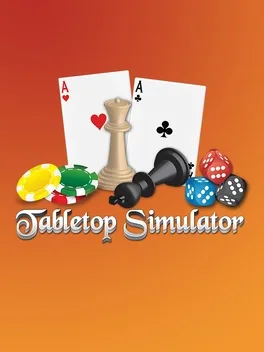
Tabletop Simulator is a multiplayer physics sandbox that lets you play, create, and share tabletop games with up to 10 players online or locally via hotseat. The base game includes 15 classics such as Chess, Poker, Dominoes, Mahjong, Jigsaw Puzzles, and more, while thousands of community-made mods and official DLCs are available through Steam Workshop, where only the host needs to own DLC for everyone to join. You can import custom images and 3D models, build custom boards and decks, automate gameplay with Lua scripting, and use the RPG Kit with tilesets, furniture, animated figurines, and Game Master tools to run full roleplaying campaigns. Objects behave like real pieces, so you can pick up, rotate, shake, throw items, manipulate physics, create hinges and joints, save and load setups, browse the web on an in-game tablet, and even flip the table when things go wrong.
Developed by · Published by

Advertisement
System requirements
Minimum
- OS: Windows 10 64-bit 21H1+.
- Processor: SSE2 instruction set support.
- Memory: 4 GB RAM
- Graphics: Graphics card with DX10 (shader model 4.0) capabilities.
- DirectX: Version 10
- Storage: 3 GB available space
Recommended
- Requires a 64-bit processor and operating system