Arena Breakout: Infinite - Known Bugs, Crashes & Community Fixes
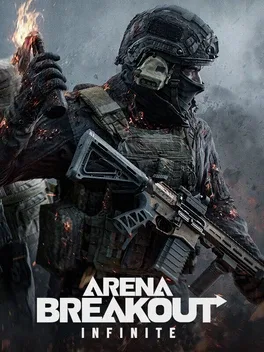
About this game
Arena Breakout: Infinite is a hyper‑realistic tactical extraction shooter that throws players into the ruined Guoyapos International Airport, now a high‑stakes hunting ground where every raid can net the richest loot. New rare red items appear in raids, and a dedicated collection room showcases them. With stunning visuals, lifelike audio, and unforgiving PvPvE combat, you must fight, loot, and extract or lose everything. The game offers diverse indoor and outdoor arenas, a snowy Northridge map that alters movement and visibility, and new extraction methods that keep each run unpredictable. A massive Gunsmith system lets you craft weapons with over 900 mods across 20 slots, while quality‑of‑life tweaks help newcomers gear up instantly. Modes include Tactical Ops, Solo Ops, Covert Ops, and fast‑paced 4v4 Deathmatch. After each raid, your Trophy Room displays rare items, high‑tier gear, and enemy dog tags, and you can complete weekly and seasonal tasks to unlock rewards.
Developed by · Published by



- Restart your PC and enter the BIOS or UEFI firmware setup using the appropriate key for your motherboard.
- Enable VT-d on Intel systems or IOMMU on AMD systems, along with any available DMA protection options.
- Save changes and reboot, then confirm in msinfo32 that Kernel DMA Protection is reported as On before launching Arena Breakout: Infinite again.


Advertisement
Known issues (no solution listed yet)
These are community-reported issues we don’t have a listed fix for yet. If something worked for you, share it.
System requirements
Minimum
- OS: 64-bit Windows 10 or above
- Processor: Intel Core i5-7500 or AMD Ryzen 5 1400
- Memory: 12 GB RAM
- Graphics: NVIDIA GTX 960 2G or AMD Radeon RX 5500 or Intel Arc A380
- DirectX: Version 12
- Storage: 70 GB available space
Recommended
- OS: 64-bit Windows 10 or above
- Processor: Intel Core i7-9700 or AMD Ryzen 5 3600X
- Memory: 16 GB RAM
- Graphics: NVIDIA RT X2060 or AMD Radeon Rx 6600
- DirectX: Version 12
- Storage: 70 GB available space