Moonlight Peaks - Known Bugs, Crashes & Community Fixes
About this game
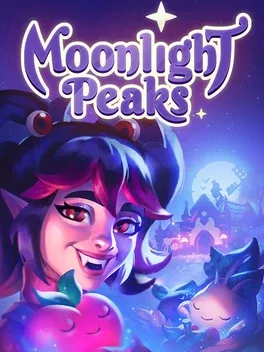
Moonlight Peaks is a supernatural life sim where you play as a vampire settling into your family’s abandoned homestead in a magical town inhabited by werewolves, witches, mermaids, and other creatures of the night. Raise mystical crops, keep magical livestock, and design a cozy gothic farmstead while mastering spell casting, potion brewing, and unlocking ancient vampiric abilities, including shapeshifting to explore and gather resources. Customize your vampire persona, befriend or romance any of the many locals in the town’s supernatural dating scene, and try to prove to your skeptical father that even the undead can live with compassion. Along the way, uncover the history and secrets of the seven powerful families that shape Moonlight Peaks, enjoy side activities like fishing, foraging, crafting, embroidering, flower arranging, and Nokturna card battles, and remember to return to your coffin before sunrise.
Developed by · Published by , ,

- Ensure the main graphics card is selected for Moonlight Peaks in the Windows "Graphics settings" menu and set it to High performance.
- Add "Moonlight Peaks.exe" to your antivirus exceptions list.



Advertisement