Paralives - Known Bugs, Crashes & Community Fixes
About this game
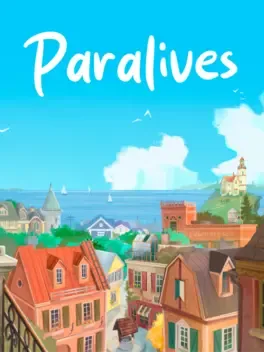
Paralives is a single player sandbox life simulation game for PC and Mac where you build homes, create Parafolks and direct their lives in a vibrant open world town. Using powerful grid free construction tools with curved walls, split levels, multiple floors and resizable objects, you can recreate real houses or design elaborate mansions, freely placing and recoloring furniture and decor. The Paramaker lets you shape Parafolks with height, body and face sliders, detailed outfits and complex personalities. In live mode, your Parafolks explore shops, parks, restaurants and museums, pursue flexible careers, manage needs, skills, wants and emotions, form friendships, romances or rivalries, start families, age and die. You can control groups of Parafolks at once, use an in game modding interface to add or edit content, and share or download creations such as mods, houses and Parafolks through Steam Workshop, with more free content planned during Early Access.
Developed by · Published by




Advertisement
System requirements
Minimum
- OS: Windows 10
- Processor: Intel Core i5 or AMD Ryzen 5 @ 2.5 GHz
- Memory: 12 GB RAM
- Graphics: GTX 1060 or RX 6600 XT
- DirectX: Version 11
- Storage: 8 GB available space
Recommended
- OS: Windows 11
- Processor: Intel Core i5 or AMD Ryzen 5 @ 3.0 GHz
- Memory: 16 GB RAM
- Graphics: RTX 2060 or RX 7600 XT
- DirectX: Version 11
- Storage: 8 GB available space