Project Zomboid - Known Bugs, Crashes & Community Fixes
About this game
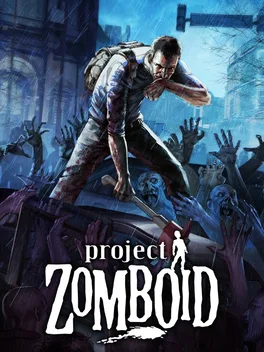
Project Zomboid is a hardcore isometric zombie survival RPG and simulation set in an open-ended sandbox. Alone or in online multiplayer, including persistent servers and local split-screen co-op, you scavenge, build, craft, farm and fish to stay alive in and around Muldraugh and West Point. Stealth, line of sight, sound, and real-time lighting all matter as hundreds of slow but relentless zombies use swarm behavior and sensory systems to hunt you. You manage hunger, thirst, illness, mood and fatigue while mastering skills like carpentry, cooking, trapping and more, shaping your character through use. Explore a vast, expanding map, drive vehicles with full physics, construct and fortify safehouses, and tweak difficulty in a highly customizable sandbox. Challenges, Last Stand mode, Lua modding support, and controller compatibility round out a grim fight against an inevitable end.
Developed by · Published by
- Set BackupsOnStart=false in the server .ini file.
- If disk space is also tight, set BackupsOnVersionChange=false as well.
- Save the file and restart the server.
- Update your integrated graphics drivers from the official website.
- Uninstall the game, delete all files in Steam\steamapps\common\ProjectZomboid, and delete everything in %UserProfile%\Zomboid except the Saves folder.
- Reinstall the game and launch again.


Advertisement
System requirements
Minimum
- OS: Windows 10, 64 Bit
- Processor: Intel 2.77GHz Quad-core
- Memory: 8Gb Ram